Projects Overview
If you followed step by step this guide, you now should be a proficient user of Azendoo.
Now I'm going to show you how to extract a global over view on your projects.
- first you need to have an Evernote account
- connect your Evernote account to Azendoo
- in your subject go to your tasks tab and export your task list to
Evernote
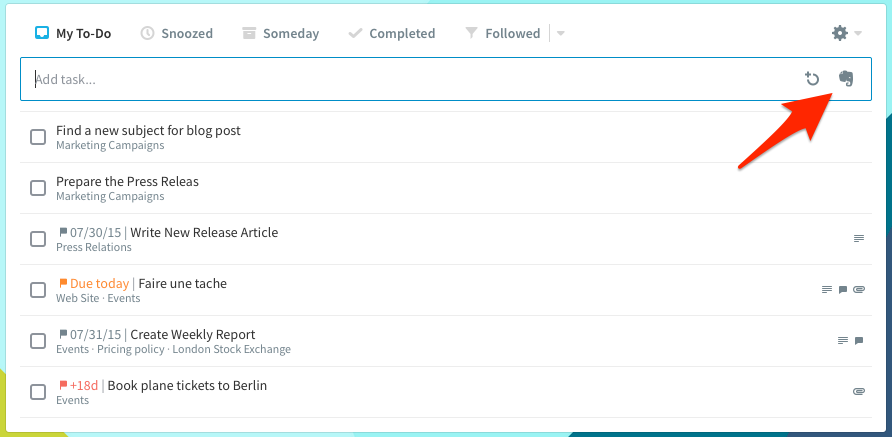
- you have now a global overview on your
project