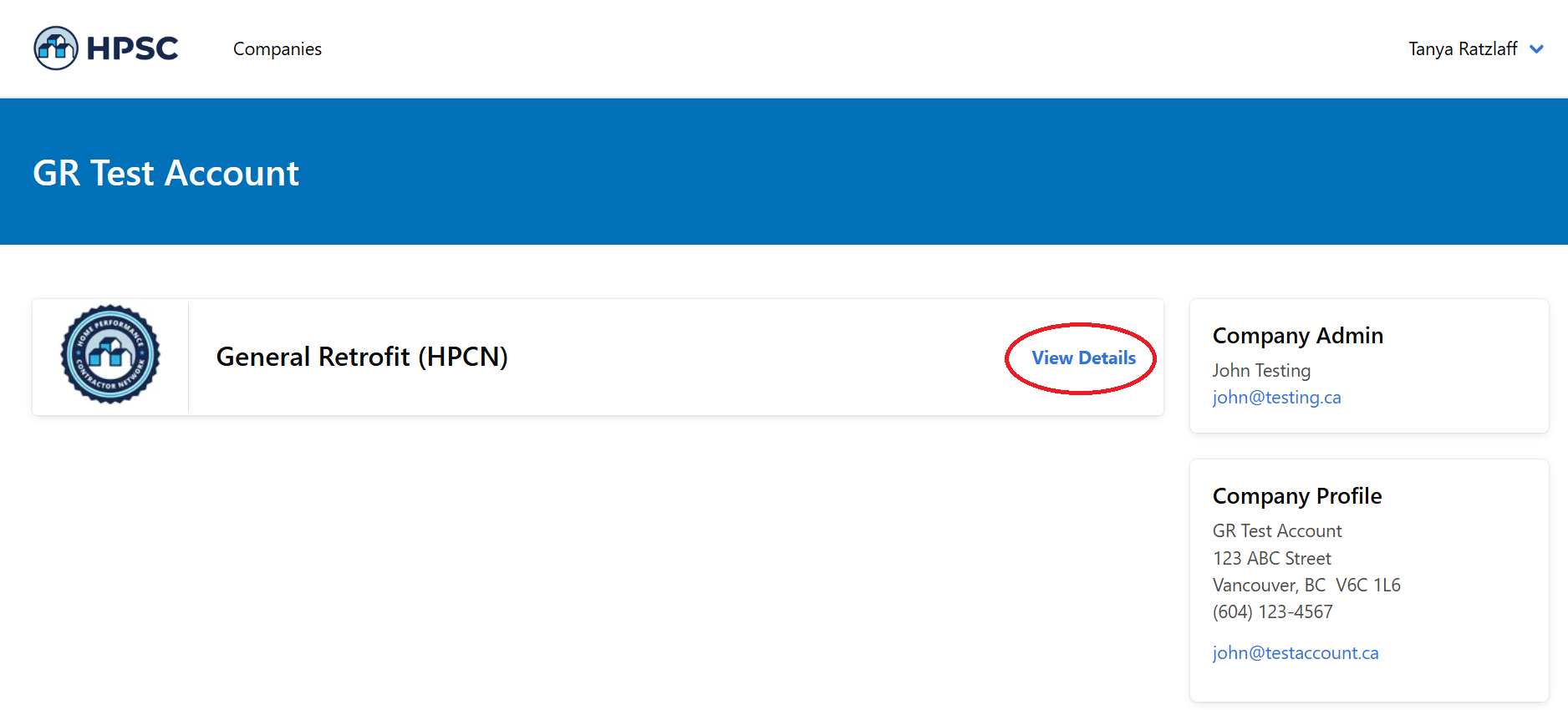
Invite Employees to Take Training
During this step, your employees will complete the Trade Designation and Training requirements. We require all supervisors or project managers in your company who work with residential retrofits to complete the training. Your registration will not be reviewed by HPCN staff until at least one person has completed the required training.
Inviting your Employees to Complete the Training
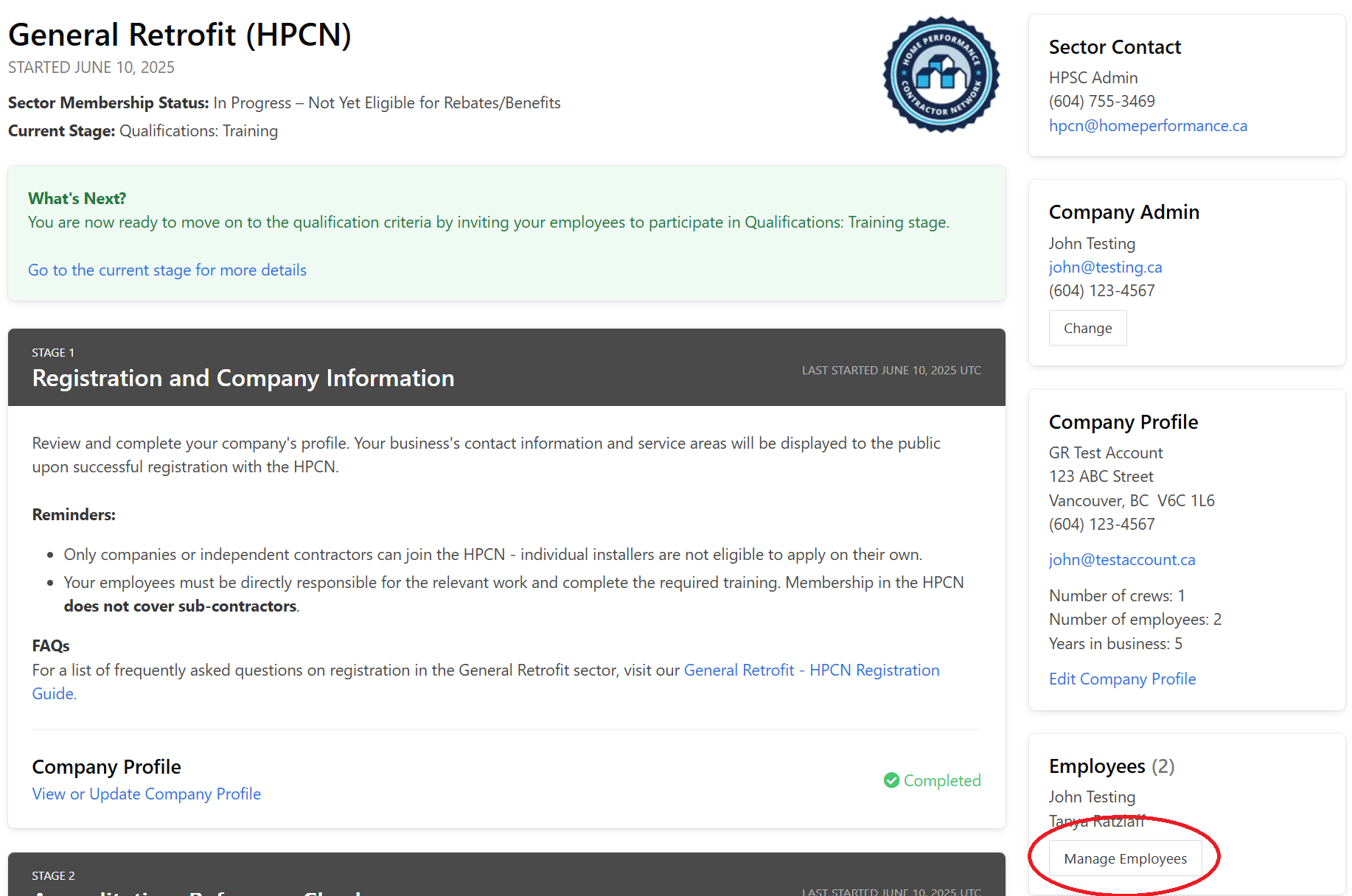
At this point, you will need to invite your employees to complete the required training. To do this, scroll up in the HPCN Portal until you see the "Employees" section on the right-hand side of the page. Click on the "Manage Employees" button.
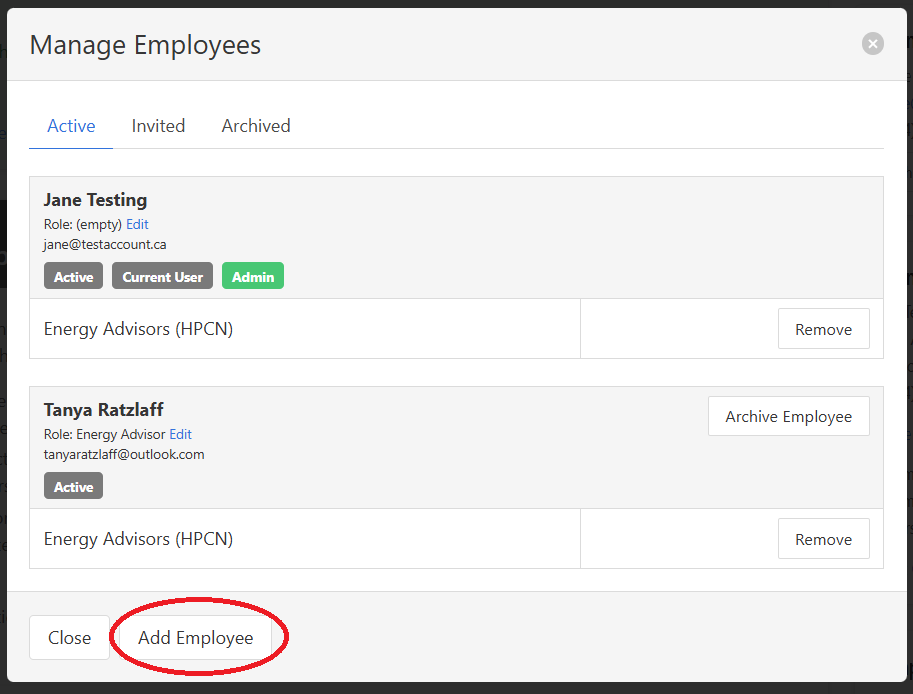
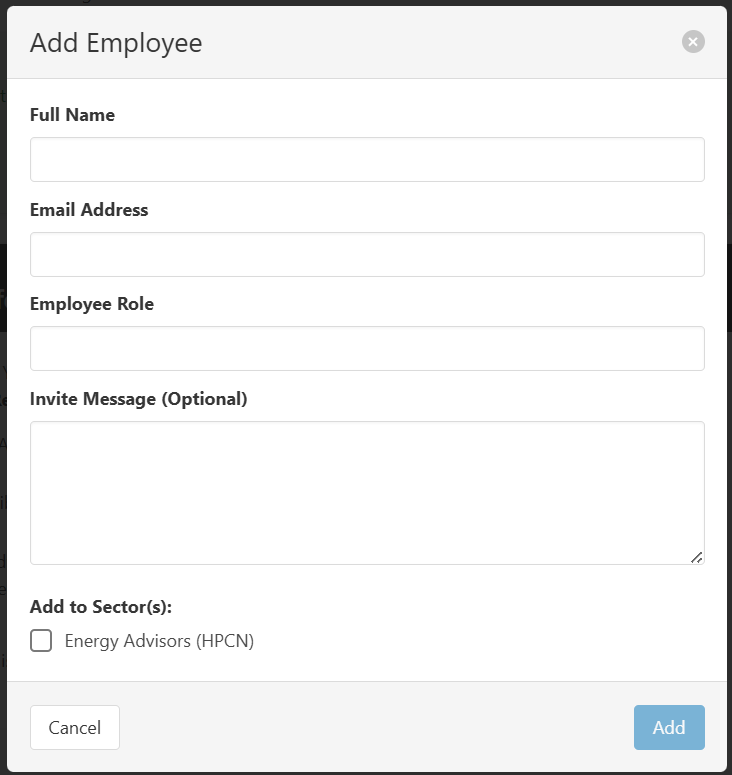
Click on "Add Employee" and fill in all of the required fields. Click "Add" to send the email invite to the employee.
Remind your employees to check their email inboxes/spam folders for an invite and click on the "Accept Invitation" button. It will look similar to this:

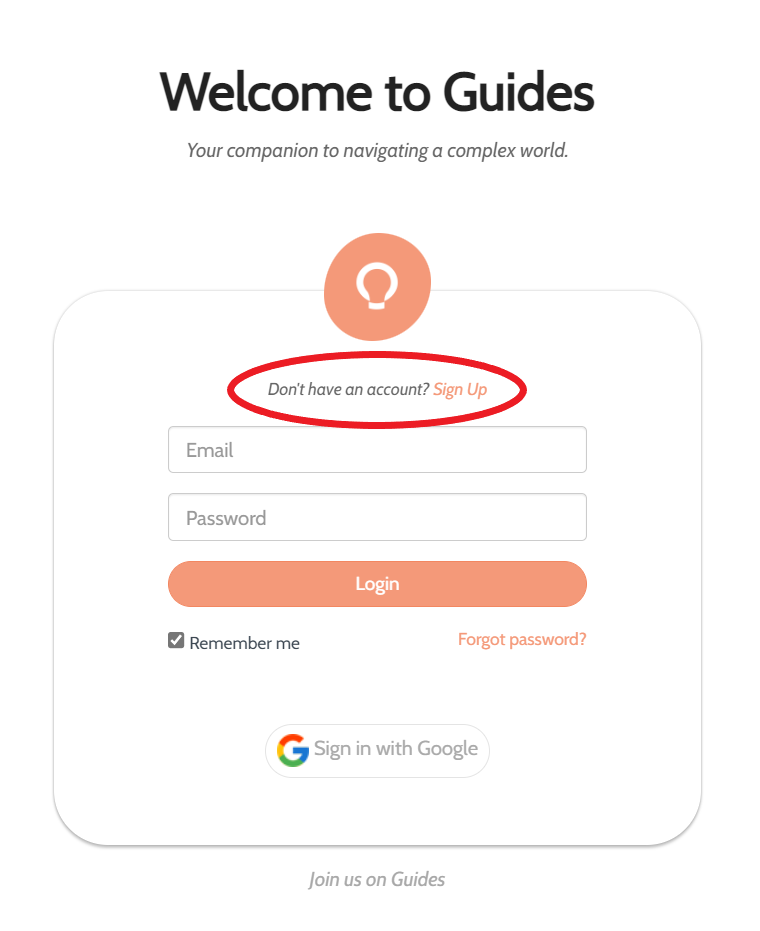
Clicking the "Accept Invitation" button will open up a web page where they will be asked to create a Guides.co account to access the training.
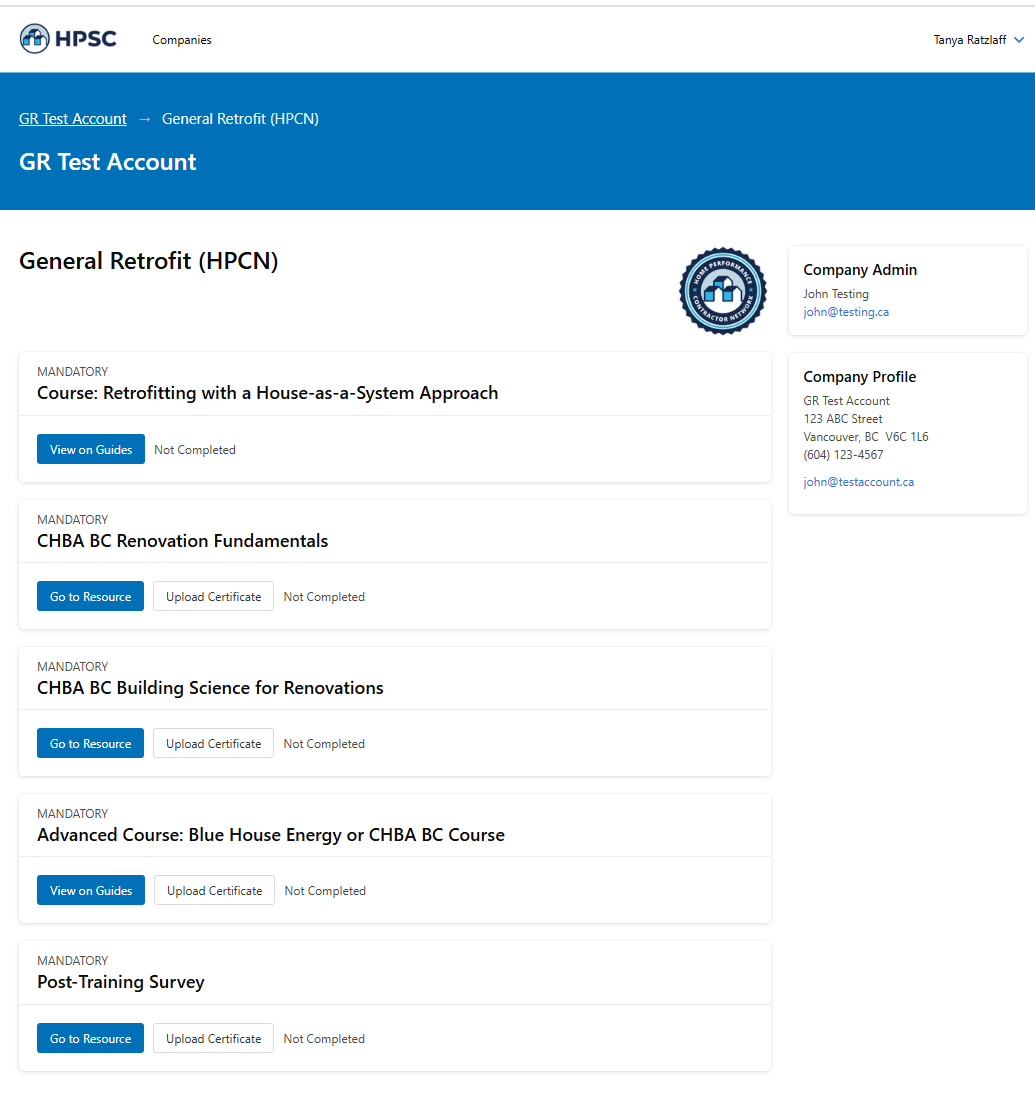
Once they have created an account, they will be brought to the training landing page where they see the required training laid out for them. This is the same training as you see in the HPCN Portal. This is what each employee will see: