How to Choose the Best Online PDF Converter for Your Needs
In today's digital world, the Portable Document Format (PDF) has become a standard for sharing and preserving documents. However, editing and converting PDFs can be a challenge without the right tools. This is where a PDF converter comes into play. With numerous options available, it can be overwhelming to choose the best one for your needs. This guide will help you navigate through key factors to consider when selecting an online PDF converter.
Understand Your Conversion Needs
Before diving into the selection process, it's essential to assess your specific needs. Different PDF converters offer various features, so understanding your requirements will help narrow down your options.
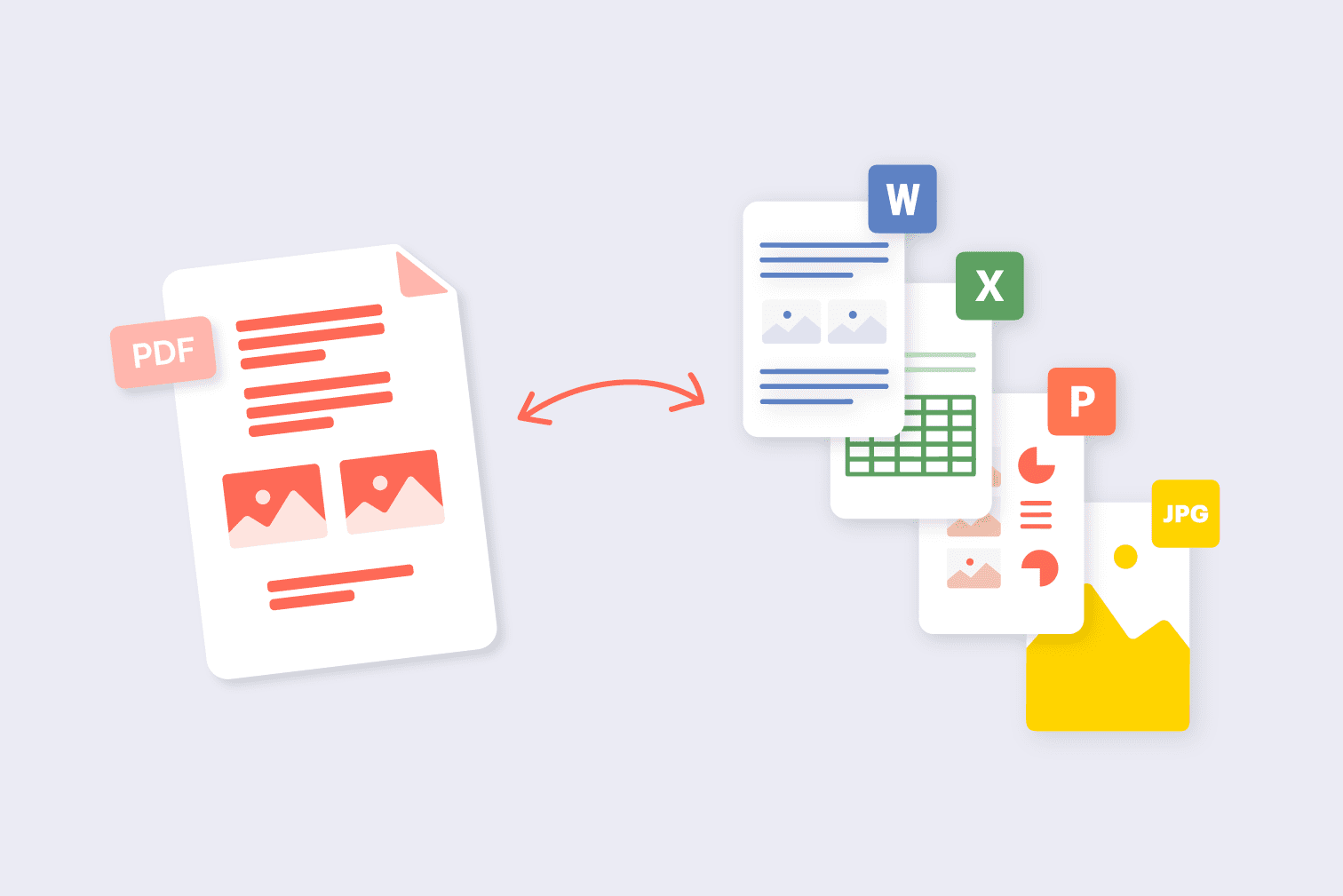
- Types of Files to Convert: Determine which file formats you need to convert to and from PDF. Common formats include Word, Excel, PowerPoint, and image files like JPEG and PNG.
- Frequency of Use: If you only need to convert files occasionally, a free online converter might suffice. However, if you require frequent conversions, consider a tool with advanced features.
- Document Size and Complexity: Large and complex documents may require a more robust converter that can handle intricate formatting without loss of quality.
Check for User-Friendly Interface
A user-friendly interface is crucial for efficient conversion. Look for a PDF converter that simplifies the process with intuitive navigation. Key features to consider include:
- Drag-and-Drop Functionality: This feature allows you to easily upload files without searching through your folders.
- Preview Option: A preview feature enables you to see the converted document before downloading it, ensuring accuracy and quality.
- Accessibility: Ensure the tool is accessible from various devices, including smartphones, tablets, and computers, allowing you to convert files on the go.
Evaluate Conversion Quality
The quality of the converted document is paramount. A good PDF converter should maintain the formatting and integrity of the original file. To evaluate conversion quality:
- Read Reviews: Check user reviews and testimonials to get insights into the converter's performance.
- Test the Tool: If possible, conduct a test conversion with a sample document to assess how well the converter preserves formatting, images, and text.
Look for Security Features
When converting sensitive documents, security should be a top priority. A reliable PDF converter should ensure that your data is secure throughout the conversion process. Consider the following:
- Data Encryption: Look for tools that encrypt your files during upload and conversion.
- Privacy Policy: Review the privacy policy to understand how your data will be handled, stored, and deleted after conversion.
- Temporary File Storage: Check if the converter automatically deletes files after a certain period, minimizing the risk of unauthorized access.
Consider Additional Features
Beyond basic conversion capabilities, many online PDF converters offer additional features that can enhance your experience. Some features to look for include:
- Batch Processing: If you frequently convert multiple files, batch processing can save time by allowing you to convert several documents simultaneously.
- Editing Tools: Some converters include editing tools that enable you to make changes to your PDF files before or after conversion.
- Integration with Cloud Services: Integration with cloud storage services like Google Drive or Dropbox allows for easy access and storage of your converted files.
Compare Pricing Options
While many PDF converters are available for free, some may require a subscription or one-time payment for advanced features. When comparing pricing:
- Free vs. Paid Options: Assess whether the free version meets your needs or if the paid version offers significant advantages.
- Trial Periods: Some paid converters offer trial periods. Take advantage of these to test features before committing to a purchase.
- Value for Money: Consider the overall value based on features, ease of use, and conversion quality rather than just the price.
Conclusion
Choosing the best online PDF converter involves understanding your specific needs, assessing the user interface, ensuring conversion quality, prioritizing security, and comparing features and pricing. By taking these factors into account, you can find a PDF converter that meets your requirements and enhances your productivity. Whether for personal or professional use, selecting the right tool will streamline your document management tasks and save you valuable time.